




Markets, futures, options, and stats — jump in fast.
Nifty / Bank Nifty / Fin Nifty
 Open Interest
 Change in Open Interest
 Option Chain Put Call Ratio
 Option Chain Put Call Ratio Volume
 Index Spot vs Index Future Table
 Indices Historical Data
Option Strategy
 Stock Option Chart
 Stock Option Chain Updated
 Option Index Strategy Executor
Option Stock Strategy Executor New
Option Index Strategy Executor
Option Stock Strategy Executor New
 Options Simulators Beta
Bse Option Chain
Options Simulators Beta
Bse Option Chain
🛠️ Futures Buildup – Core Features at a Glance
Author: Sohail Akram
Published on: July 18, 2025, 8:51 p.m.
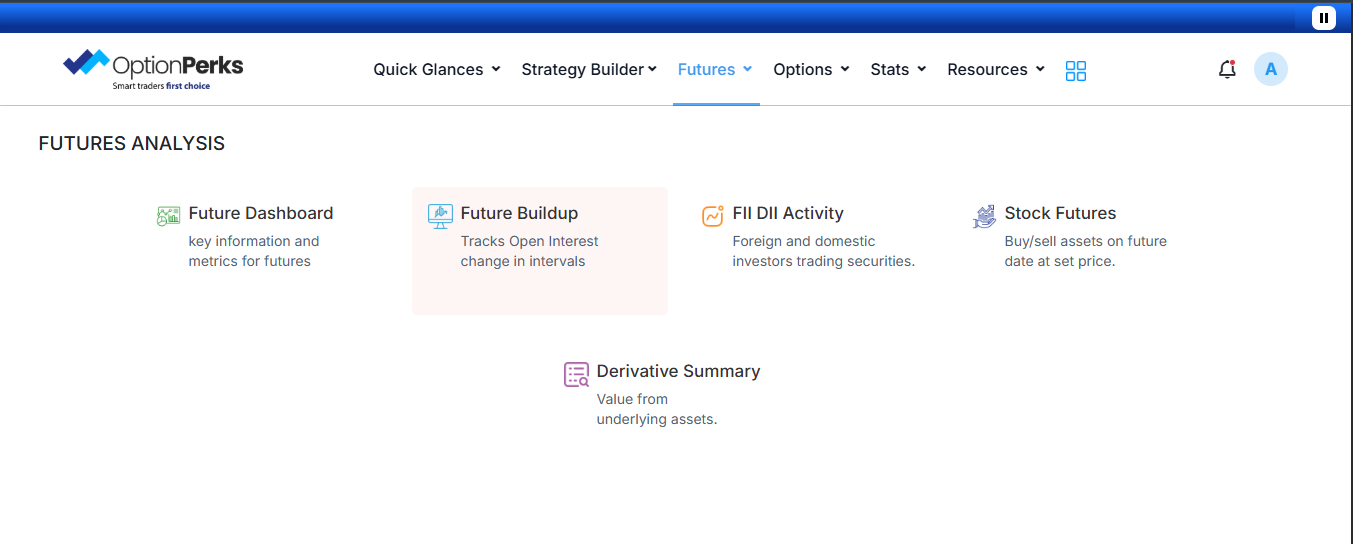
Tracks OI change over time: Analyze how lenders and speculators are piling in — with actionable data right at your fingertips stolo.in+5optionperks.com+5opstra.definedge.com+5.
Helps interpret market sentiment: A surge in OI may signal a potential breakout, while a drop can indicate profit-taking or fading interest.
💡 Spot key trends early: A spike in OI alongside price movement often suggests institutional participation.
📊 Differentiate between momentum & reversal: Helps you filter setups—whether it’s “long buildup,” “short buildup,” “long unwinding,” or “short covering” definedgesecurities.com+2stolo.in+2trendlyne.com+2.
Interval-based OI scanning: View OI shifts across meaningful intervals like daily or hourly
Interactive dashboards: Monitor OI increase/decrease through charts and tables
Seamless integration: Fully embedded within the OptionPerks futures dashboard — use alongside FII/DII activity, stock futures, and derivative summaries optionperks.com.
🎯 Smarter entries/exits: Confirm trends before trading
📎 Better risk management: Align strategies with institutional flows
⏱ Faster decisions: Analyze OI dynamics in seconds — no data hopping necessary
Ready to power up your futures game? Log in to your OptionPerks dashboard, navigate to Futures Analysis → Futures Buildup, and start uncovering big moves with OI-backed confidence. You’ll find it integrated alongside your favorite tools—all in one free, powerful dashboard!
 Dashboard
 Stock Analysis
 Nifty Tracker
 Market Glance
 Future Dashboard
 Future Buildup
 FII DII Activity
 Derivative Summary
 Volume Shockers
 Intraday Breakouts
 Top Gainer Stocks
 Gap Up, Gap Down Stock
 Top Loser Stocks
 NSE Bulk Deals Data
 Ban List
 BSE NSE Holidays List
 NSE F&O Lot Size Trader
 Dashboard
 Nifty Tracker
 Option Strategy Executor

 Continue with Zerodha